 Winnowed
Burgundy
Verizon
$180 a month, $2,160 a year
Every few months, sit with your subscriptions. Ask a simple question of each one: is this still worth it? Winnowed turns the review into a ritual, calm, honest, and finished in about five minutes.
Download on the App Store $4.99 once. No subscription.
A sample Stack, one card at a time.
Burgundy
$180 a month, $2,160 a year
Rust
$59.99 a month, $720 a year
Rust
$37.95 a month, $455 a year
Terracotta
$24.99 a month, $300 a year
Terracotta
$24 a month, $288 a year
Terracotta
$17 a month, $204 a year
Terracotta
$15.99 a month, $192 a year
Wheat
$34.99 a year
$0
Your Winnowed Number: what you spend a year on subscriptions you chose on purpose.
Most people underestimate what they're paying for subscriptions by a lot. The streaming service you forgot. The tool you used twice. The membership from two years ago.
The usual answer is a spreadsheet, a dashboard of charts, or a cancellation concierge. None of them really work, because the problem isn't a tracking problem, it's a noticing problem. You need a moment, a few times a year, to sit quietly with the list and decide what still belongs.
Winnowed is built around that moment. Add your subscriptions by scanning a statement or typing them in. Then, at a cadence you choose, the app walks you through each one, card by card. Keep. Cut. Pause. That's it.
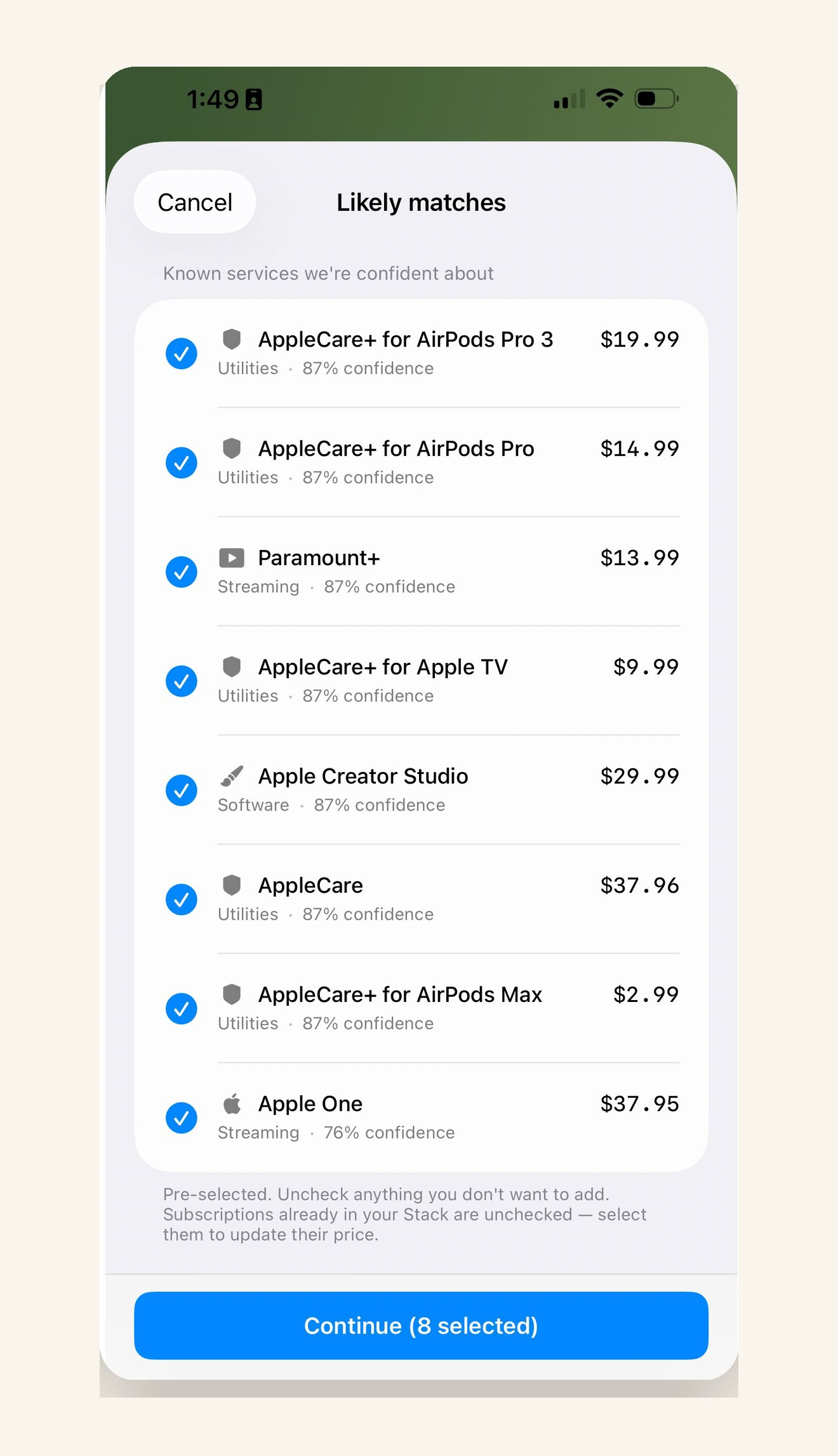
Point your camera at a bank statement. On devices with Apple Intelligence, Winnowed reads it on device and understands what it is looking at. Either way it finds the subscriptions and asks which ones to add.
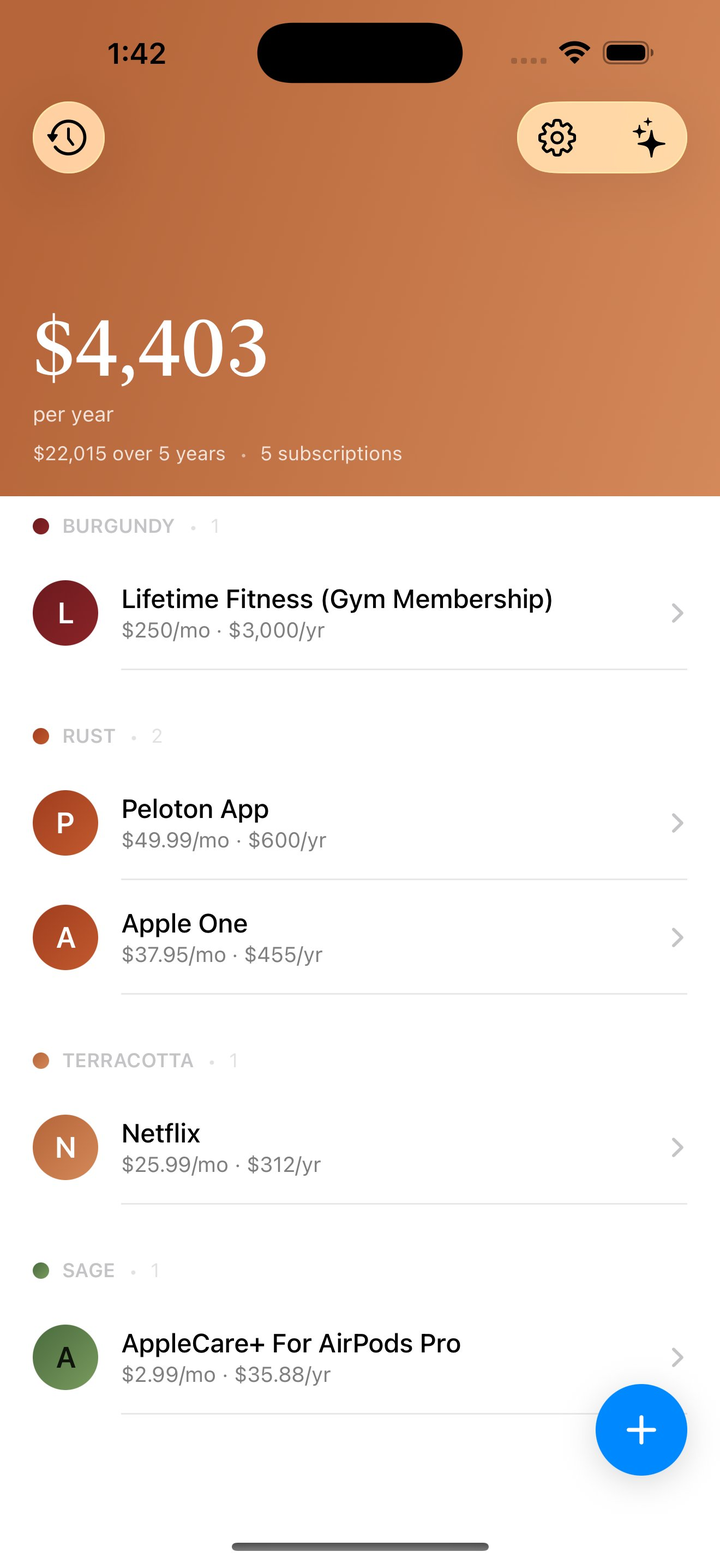
Every subscription, grouped by what it costs over five years, from burgundy at the top down to sage.
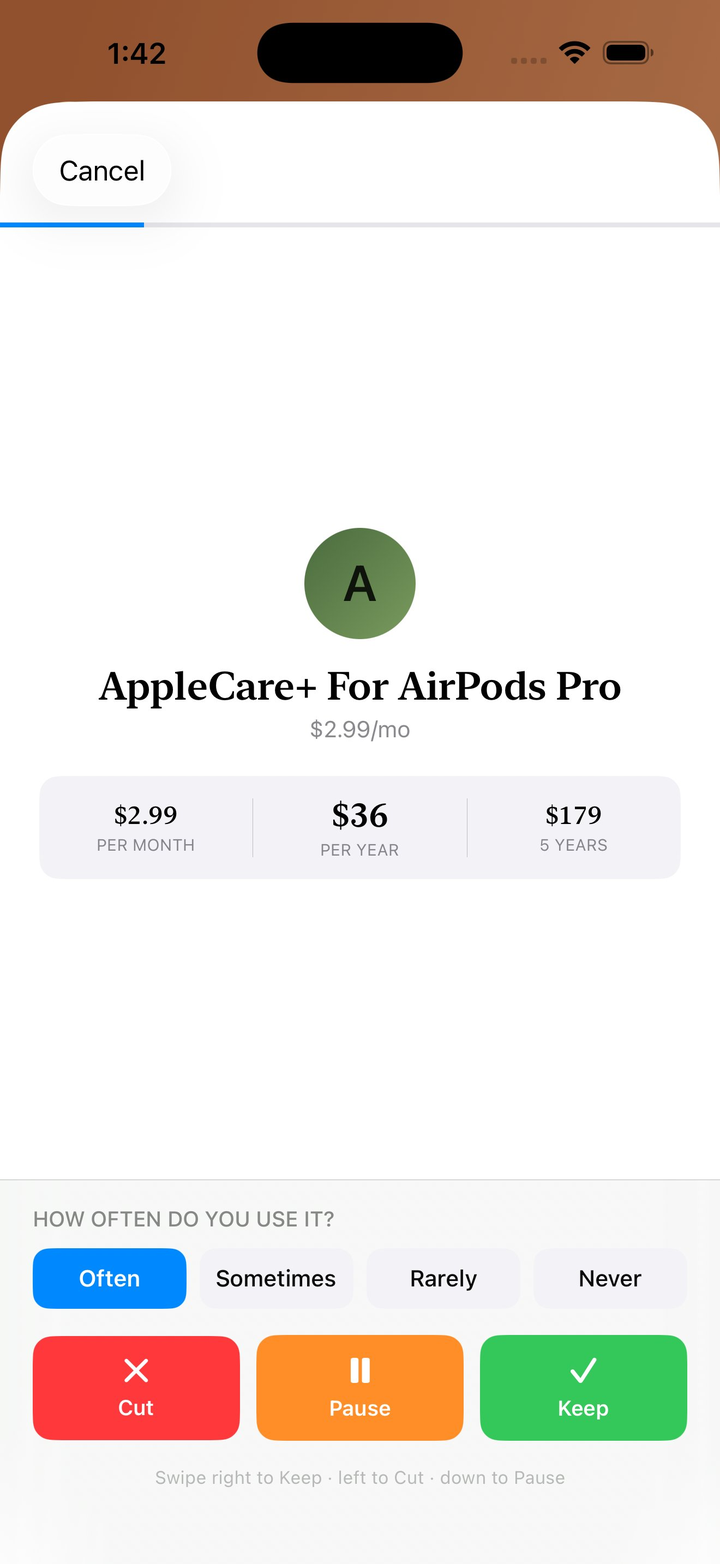
How often do you use it? Swipe right to keep, left to cut, and note why. New in 2.1, each review can carry that note.
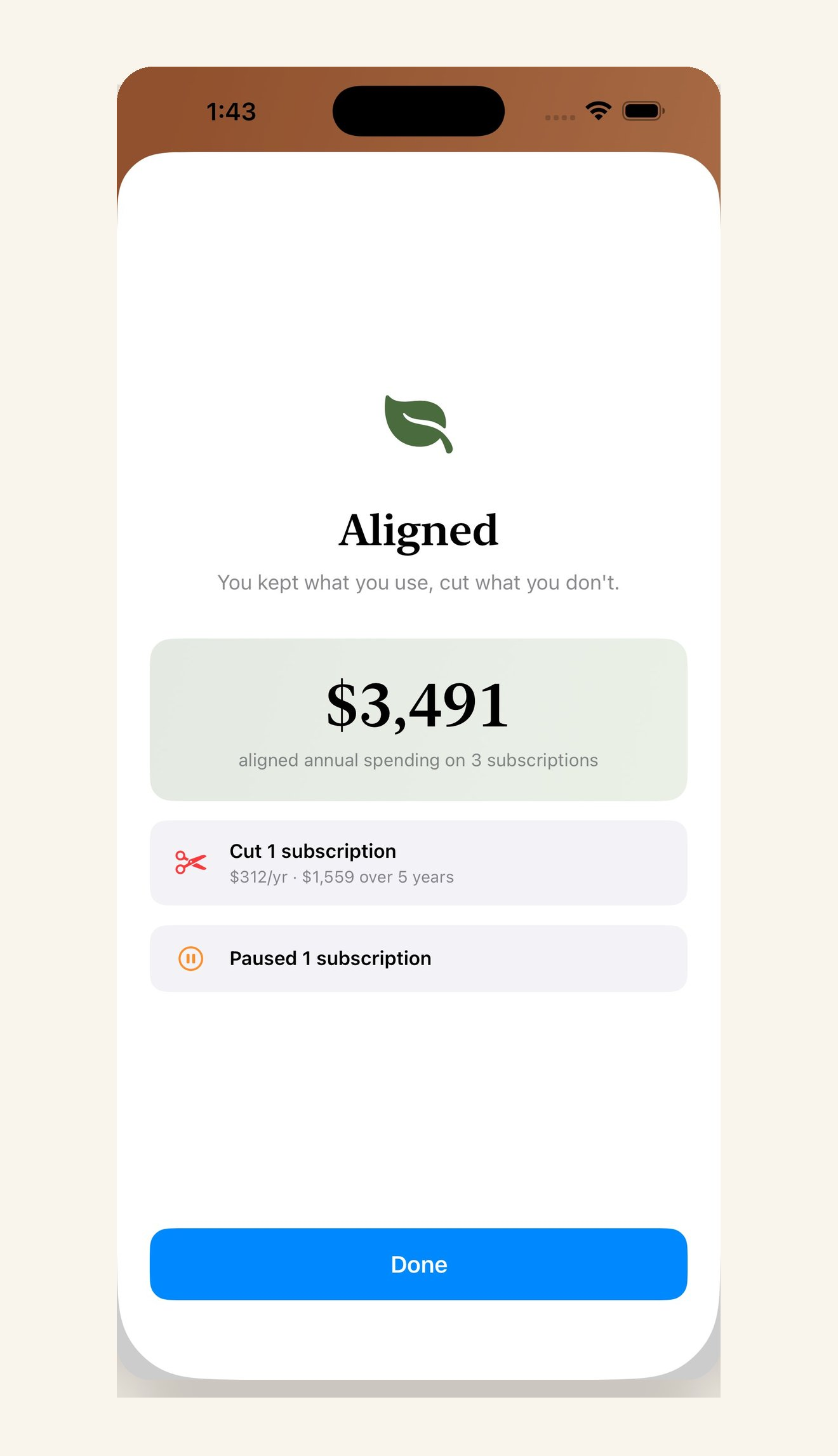
What you spend a year on subscriptions you chose on purpose. Everything you cut sits underneath it, counted.
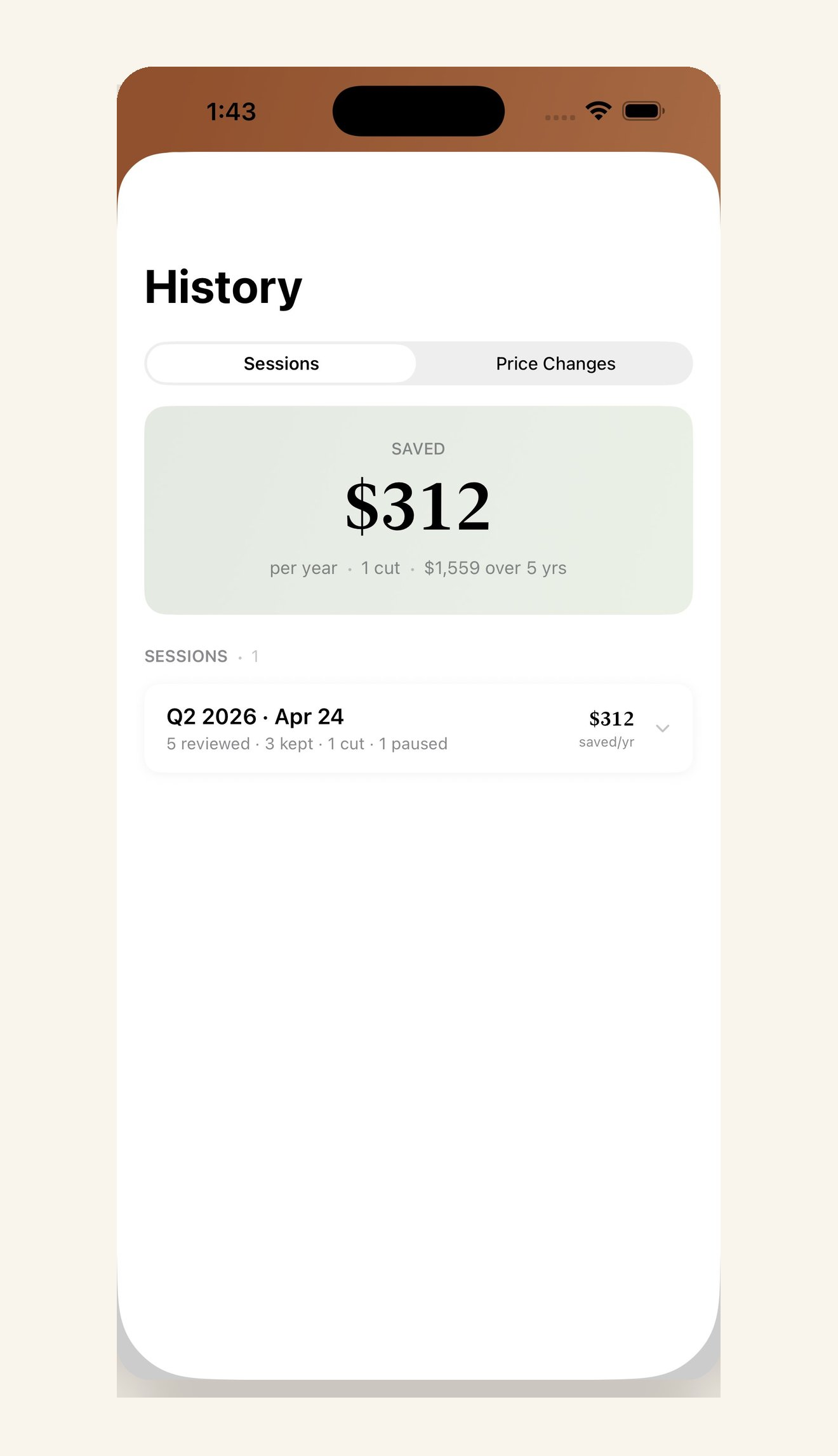
Every review is saved, and so are price changes. History is a quiet ledger of what you decided and what it saved you.
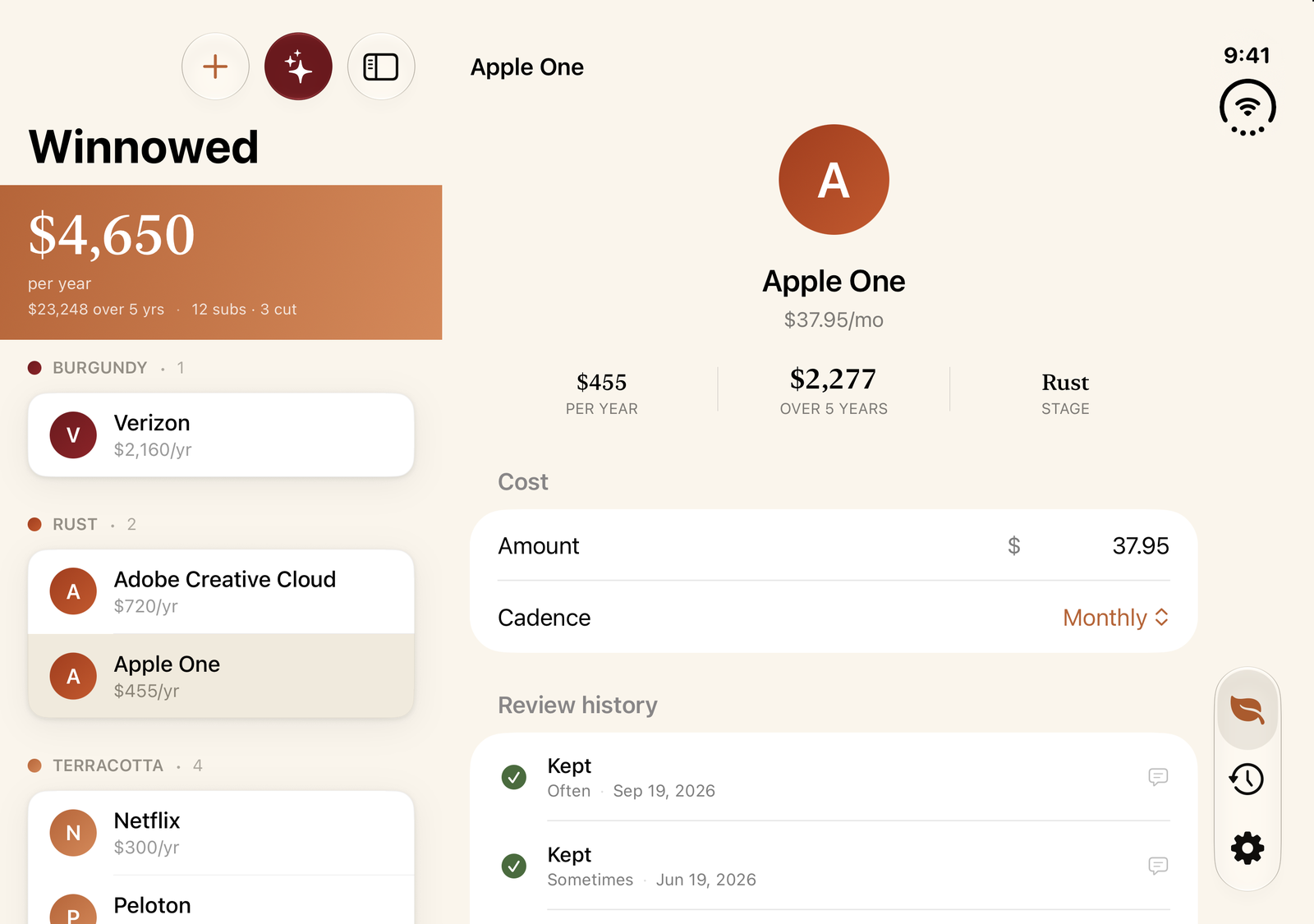
On iPhone Duo, Winnowed shows your Stack beside the subscription you're looking at. New in 2.1.
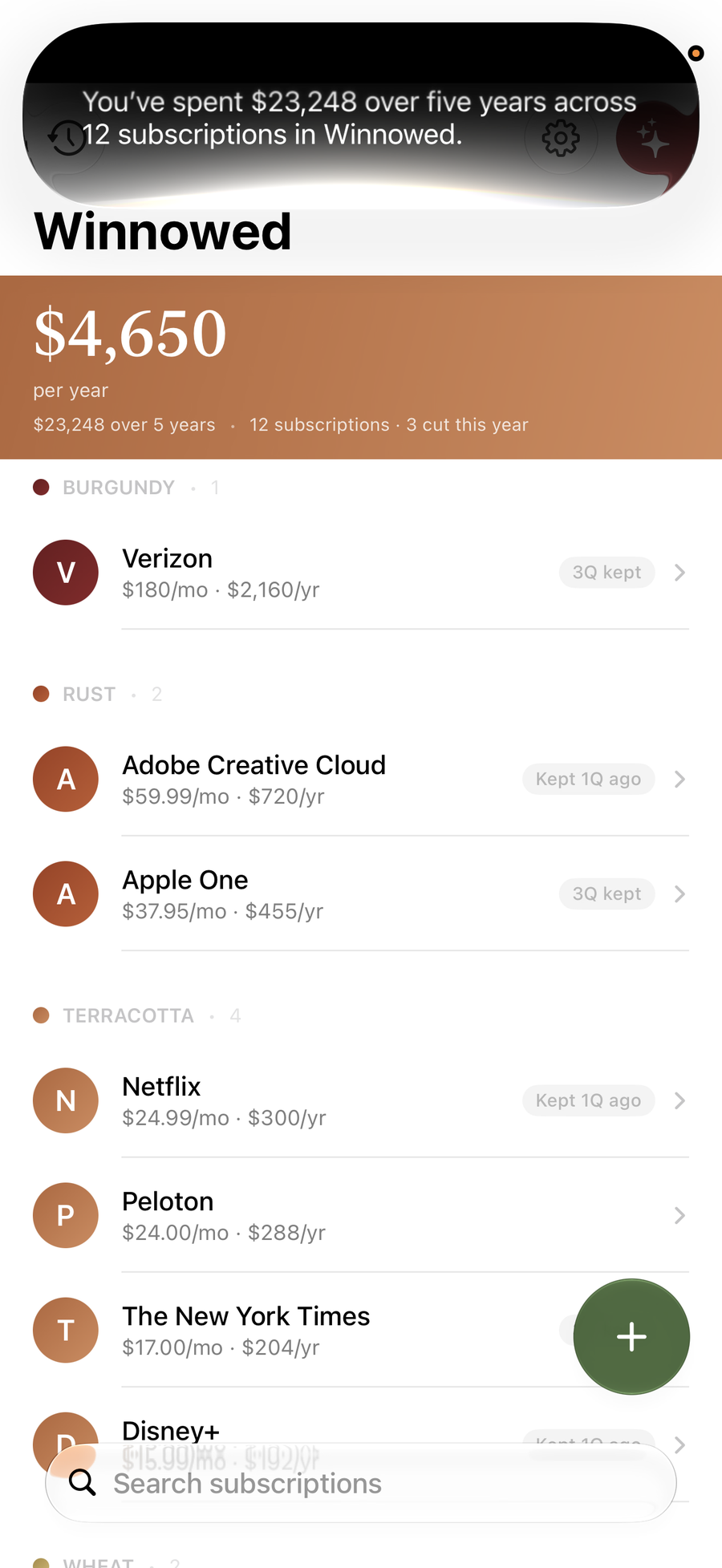
Ask Siri what you're spending this year, or what any one subscription costs you. Add a subscription or mark one reviewed without opening the app. Your Stack turns up in Spotlight, and every action works as a Shortcut.
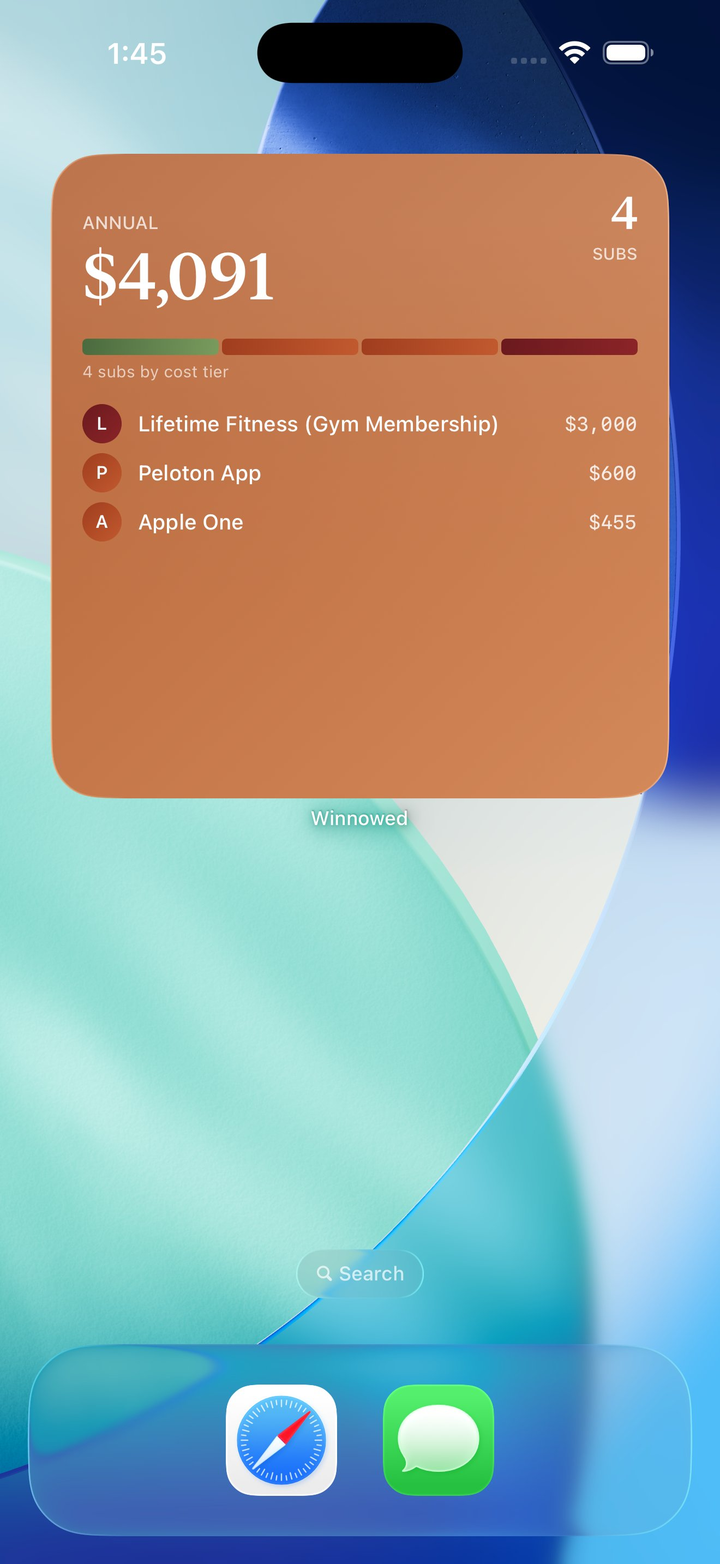
The widget keeps the annual total on your Home Screen, and tells you when it is time to winnow again.
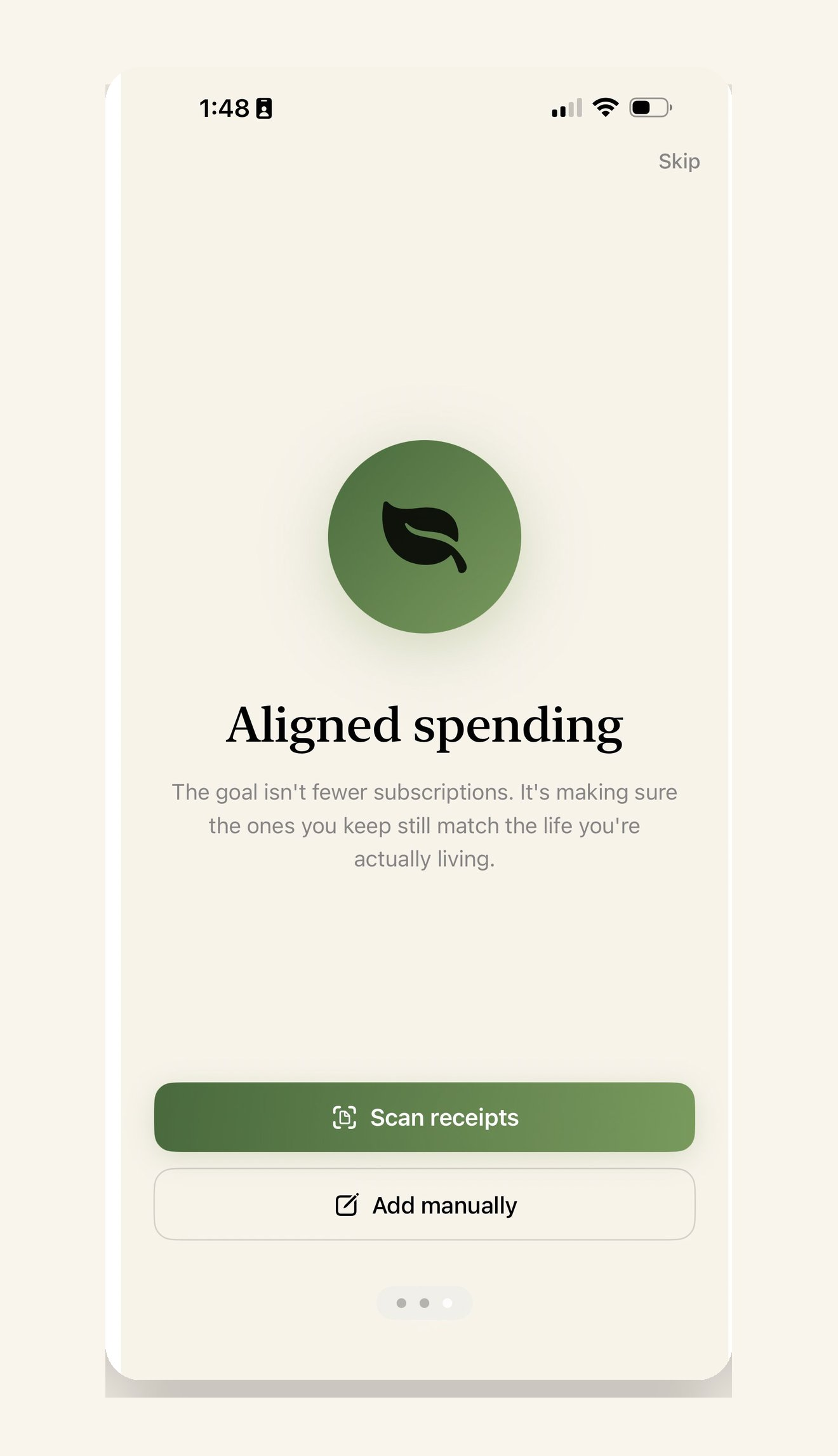
Your Stack syncs through your own iCloud account. No accounts to make, no servers of ours, no tracking. Winnowed cannot see your data, and neither can anyone else.
Winnowed is designed, built, and supported by one person, Kurt Klein, in Berwyn, Pennsylvania, under KSQ Studios. If you've used it and want to say hello, report a bug, or suggest something, write to [email protected].